

Digital locks replace physical keys with codes, fingerprints, or cards, offering genuine convenience and access-monitoring features that traditional deadbolts cannot match. Whether that trade-off is worth the higher cost depends on your property, your habits, and how you weigh security against simplicity.
Whether you have just moved into a new home or are renovating an older property, the choice between a conventional deadbolt and a modern keyless system deserves careful thought. This article covers how each main type of digital lock works, what makes them genuinely useful, where they fall short, and what to consider before buying.
What Are Digital Locks?
Digital locks secure a door using electronic credentials rather than a cut metal key. Instead of inserting a key into a cylinder, you authenticate with a PIN code, a fingerprint scan, a smartphone, or a proximity card. Hotels and offices adopted them first, but they are now common in Australian homes and small businesses.
The core electronics require power, which is usually supplied by replaceable batteries. Most models include a physical key override as a backup, so you are not locked out if the battery dies or the electronics fail.
Types of Keyless Door Locks

Understanding the main categories helps you match a lock to your actual needs. The range of electronic locking systems on the market divides into four practical groups.
Keypad and PIN Code Locks
Keypad locks are the most widely available and typically the least expensive digital option. You enter a numeric code to release the latch. Their main strengths are simplicity and the ability to share or change a code without cutting a new key.
The practical limitation is keypad wear. If you enter the same four-digit combination every day, the buttons you press develop visible marks over time, narrowing the guesses an observer needs to make. Rotating your code periodically and occasionally pressing unused buttons after entry reduces this risk.
Fingerprint and Biometric Locks
Biometric locks scan a fingerprint, and some higher-end models also support palm or retina recognition. Because a fingerprint cannot be shared or observed the way a code can, they are often considered the most tamper-resistant day-to-day option.
Setup involves enrolling each authorised user’s fingerprint in the lock’s memory, and most models allow multiple users. Where fingerprint access control is used, entry logs are typically stored on the device or in an accompanying app, giving you a clear record of who came and went. The trade-off is cost: biometric units sit at the higher end of the price range, and a specialist may be needed if the sensor needs calibration or replacement.
Bluetooth and App-Controlled Locks
Bluetooth locks pair with a smartphone and unlock when an authorised device comes within range, or when you tap an unlock button in the app. Wi-Fi-enabled variants extend that control further, letting you grant or revoke access remotely.
Remote access is the standout feature: you can let a tradesperson in while you are at work, confirm the door locked behind you, or receive an alert if it has been left open. The dependency on a charged phone and a working app is the main practical downside.
Battery life in the lock itself typically ranges from six months to a year with moderate use, depending on the model and how often Bluetooth handshakes occur.
RFID and Card-Based Locks
RFID locks read a proximity card or fob rather than a code or biometric. They are common in apartment buildings and commercial premises because cards are quick to issue, deactivate, and replace without reprogramming every lock.
For residential use they offer a straightforward middle ground: faster than a keypad and simpler than a biometric, though a lost card needs to be deactivated promptly, just as a lost key would need the lock changed.
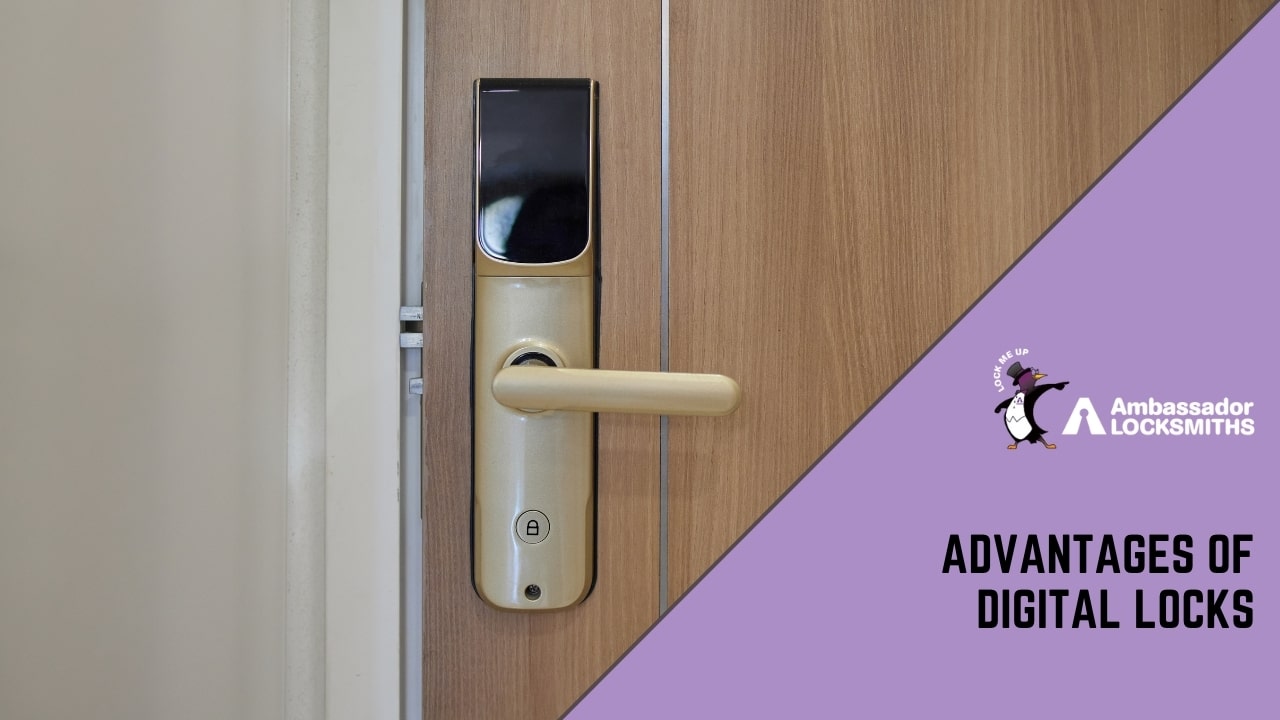
Advantages of Digital Locks
Convenience in Daily Use
Without a physical key to carry, you cannot be locked out because you left it inside or lost it in a bag. Entering your home when your hands are full of groceries, or letting someone in while you are away, becomes straightforward.
In an emergency, most systems retain a manual key override, so access is never entirely dependent on working electronics.
Shared and Temporary Access
Rather than cutting duplicate keys, you share a code or enrol a new fingerprint. Temporary codes can be issued to a cleaner, a neighbour collecting mail, or a building contractor, then deactivated the moment they are no longer needed.
There is no need to hide a spare key under a mat or in a planter, which removes one of the most predictable vulnerabilities in home security.
Access Monitoring
Most digital locks, particularly Bluetooth and biometric models, log every entry event with a timestamp. Reviewing that log through a companion app tells you when household members arrived home or confirms that a tradesperson left when expected.
You can also change or revoke codes and credentials at any time, which is not possible with a physical key once it has left your hands.
Customisation
Assigning unique codes or enrolled fingerprints to different people means you can track individual access patterns and remove one person’s credentials without affecting everyone else’s. Time-limited codes are available on many models, useful for restricting access to specific hours.
Property Appeal
Homes with modern security systems can attract buyer interest, though the impact on resale value varies and depends heavily on buyer preferences and local market conditions.
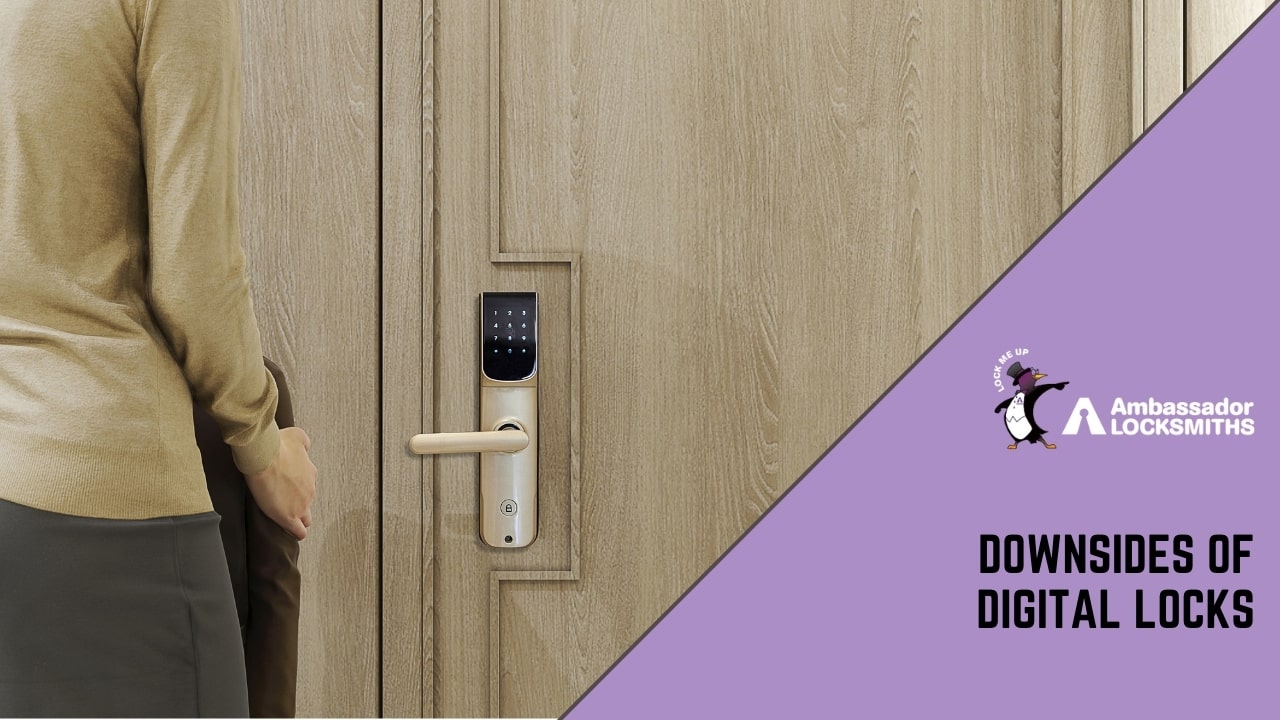
Downsides of Digital Locks
Higher Purchase and Installation Cost
Digital locks cost more than a standard deadbolt, both to buy and to install correctly. The price range is wide, from basic keypad models to premium biometric or Wi-Fi units, but the entry cost is consistently higher than a comparable mechanical lock.
Compromised Access Codes
A code that is observed, shared carelessly, or guessed from keypad wear is easier to exploit than a key that requires physical duplication. Rotating your code regularly and cleaning or varying the buttons you use limits this exposure.
Dependence on Power and Electronics
The electronics require power. Most models run on AA or AAA batteries and will give low-battery warnings before failing, but a flat battery at the wrong moment is a genuine inconvenience. A manual key override, available on most reputable models, is the practical safeguard. When a digital lock does malfunction, resolving the fault usually requires a specialist rather than a simple re-cut. 24/7 emergency locksmith services can address those situations when they arise outside business hours.
Technical Glitches
Like any electronic device, smart locks can experience software or hardware faults. Firmware updates, sensor errors, and connectivity drops are occasional realities, particularly with app-dependent models.
Are Digital Locks Worth It?
For most homes, the combination of keyless entry, temporary access codes, and activity logging offers practical value that a traditional deadbolt cannot replicate. The cost is real, but the convenience and monitoring features justify it for households that manage multiple users or regularly grant access to visitors and tradespeople.
If your security need is straightforward and a standard key system already works well, a quality deadbolt remains a reliable and cost-effective choice. A dead lock fitted correctly by a professional still provides strong resistance to forced entry without the electronic dependencies.
The honest answer is that digital locks are worth the cost when the specific features they offer, shared codes, remote access, access logs, solve a real problem in your household. They are less compelling if those features go unused.
Frequently Asked Questions
Are digital locks safe?
Digital locks can be very secure when set up well. Access logs, revocable codes, and fingerprint enrolment each give you control that a physical key does not. Their main risks are observed or shared codes and the need for a specialist if the electronics fail.
Rotating codes regularly and choosing a model with a manual key override addresses both concerns.
Can digital locks be hacked?
The most realistic threat is a compromised code rather than remote hacking. Shoulder-surfing, code-sharing, and visible keypad wear are the practical vulnerabilities. Changing your code periodically and varying which buttons you press after entry reduces the chance of your combination being guessed from wear patterns.
Are digital locks worth the extra cost?
They cost more to buy and install than a standard deadbolt. For many homes, the convenience of shared and temporary access codes, plus the ability to monitor entry events, justifies that price. If a basic key system already meets your security needs, a traditional lock may be the more practical choice.
Trusted Locksmith Services in Newcastle
At Ambassador Locksmiths, we provide practical security solutions for homes and businesses across the Newcastle area. Whether you are installing a digital lock for the first time or replacing an existing system, our locksmiths handle both traditional and electronic options and can advise on the right fit for your property and budget.