
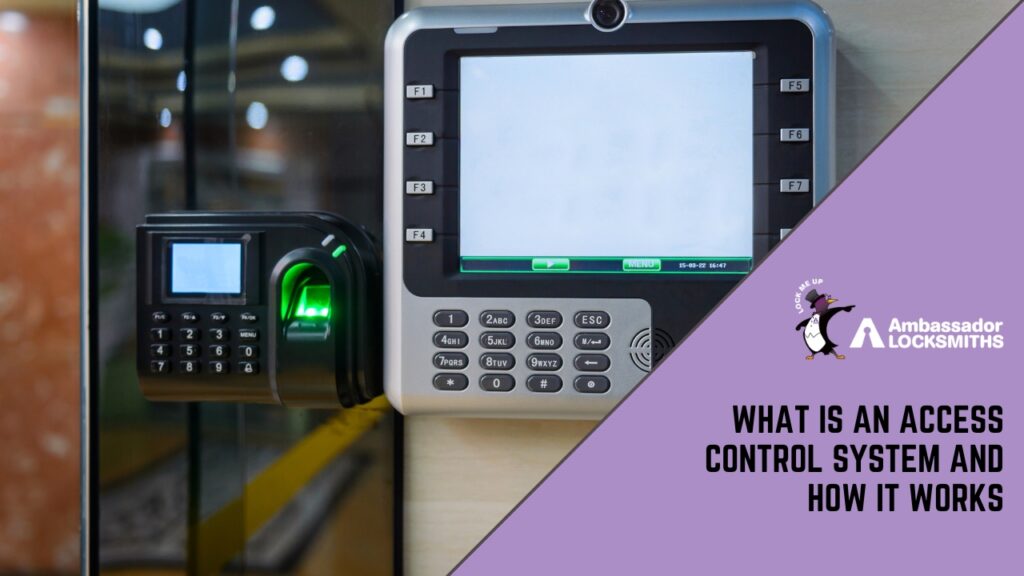
A fingerprint access control system grants or denies entry by matching a scanned fingerprint against enrolled templates stored in the system, replacing physical keys with a biometric credential that cannot be lent, copied, or forgotten.
This guide explains how the broader category of access control works, then goes deeper on how fingerprint-based systems specifically operate, where they suit a site, and how they pair with other credentials for stronger security.
The main parts of an access control system
Every system, from a single keypad door to a site with hundreds of readers, is built from the same core components.
Credentials
The credential is what a person presents to prove identity. Common forms include RFID cards, key fobs, PIN codes, a Bluetooth signal from a smartphone, and biometric traits such as a fingerprint or facial geometry. Each type has different strengths, covered in the comparison table below.
Reader
The reader is the device mounted at the door. It detects the credential and passes the raw data to the controller. The reader does not make any access decision itself.
Controller
The controller is the brain of the system. It receives data from the reader, checks it against stored rules (which doors, which people, which times), and signals the lock to open or remain shut.
Lock and management software
The electronic lock, typically an electric strike or a magnetic lock, physically holds the door and releases on command from the controller. Behind that sits management software where an administrator adds users, assigns permissions, and reviews audit logs.
A small site might manage one keypad locally; a larger site can control hundreds of doors from a single interface.
How access control works, step by step
The sequence from credential to open door takes roughly one to two seconds:
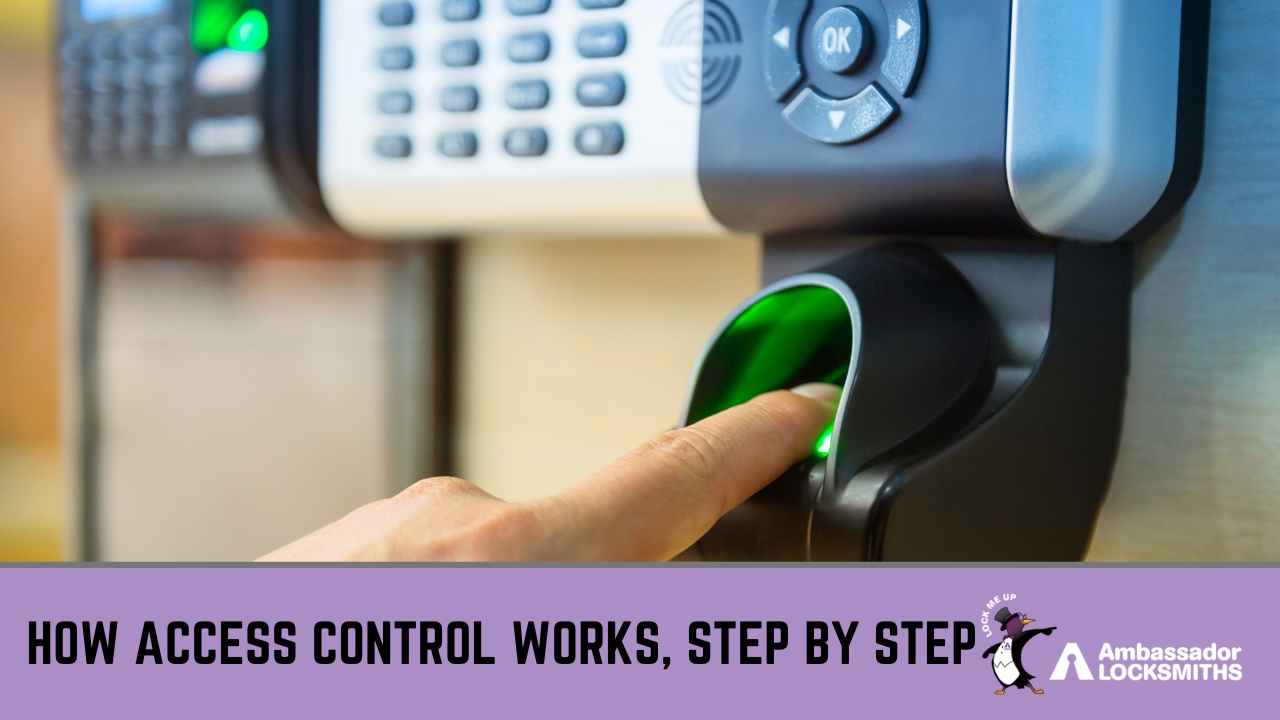
- A person presents their credential at the reader (tap a card, enter a PIN, or place a finger on the scanner).
- The reader captures the detail and sends it to the controller.
- The controller checks its rules: is this person authorised for this door at this time?
- If yes, the controller releases the lock. If no, the door stays locked.
- Either way, the system records the event, creating an audit trail of every attempt.
That audit trail is one of the most significant differences from a mechanical key. A key opens a door and leaves no record. An access control system logs who entered, who was refused, and when, which is useful for security reviews and resolving disputes.
How fingerprint access control works
Fingerprint access control is a subset of biometric security. Here is what happens during enrolment and then at the door each day.
Enrolment
Before a person can use a fingerprint reader, their fingerprint must be enrolled in the system. The user places their finger on the scanner several times. The system does not store an image of the fingerprint. Instead, it extracts a set of reference points from the ridge patterns, called a minutiae template, and stores that mathematical representation.
The original image is discarded. This matters for privacy: the template cannot be reverse-engineered into a usable fingerprint image.
Matching at the door
When the person returns and places their finger on the reader, the scanner captures a new scan and generates a fresh set of minutiae. The controller compares this against the stored template. If the similarity score clears a set threshold, access is granted.
If not, the door stays locked. This comparison typically takes less than one second on modern readers.
Match thresholds and error rates
Fingerprint readers are configured with a matching threshold that balances two error types: the false acceptance rate (FAR), which is how often an unauthorised person is let through, and the false rejection rate (FRR), which is how often an authorised person is turned away.
Raising the threshold makes the system stricter, which lowers FAR but increases FRR. Installers set this balance based on the security grade required for the site. Higher-security areas, such as server rooms or pharmaceutical storage, are typically configured with a lower FAR even if that means occasional re-scans for staff.
Where fingerprint readers work best
Fingerprint readers suit areas where the security risk is high enough to justify a biometric check and where the user population is relatively stable. Common applications include:
- Server rooms and data centres
- Pharmaceutical or chemical storage areas
- Financial back-office areas
- Areas where card sharing or PIN sharing would be a genuine risk
They are less suited to high-throughput public entrances where speed is critical, or to environments with heavy machinery work where hands are frequently soiled or worn, as surface damage can affect read rates.
Pairing fingerprints with cards for two-factor entry
Many sites use fingerprint readers not as a standalone credential but as a second factor alongside a card or PIN. A person taps their card first, then scans their finger. The door only opens if both checks pass. This two-factor approach significantly reduces the risk of tailgating and unauthorised access, because stealing a card is not enough without the matching fingerprint.
It is a common configuration for the highest-sensitivity areas within a site that otherwise uses card access at standard doors.
Credential types compared
| Credential type | Can be lost or stolen | Can be shared or guessed | Requires nothing extra to carry | Suited to two-factor pairing |
|---|---|---|---|---|
| RFID card or fob | Yes | Yes (by lending) | No (must carry it) | Yes |
| PIN code | No | Yes (easily shared) | Yes | Yes |
| Smartphone (Bluetooth) | Yes | Harder | No (most carry phone) | Yes |
| Fingerprint | No | Very difficult | Yes (always present) | Yes, commonly used |
| Facial recognition | No | Very difficult | Yes | Yes |
Many sites mix credential types. A front entry might use a card for convenience, while a server room or secure storage area adds a fingerprint on top, so both must pass before the door opens.
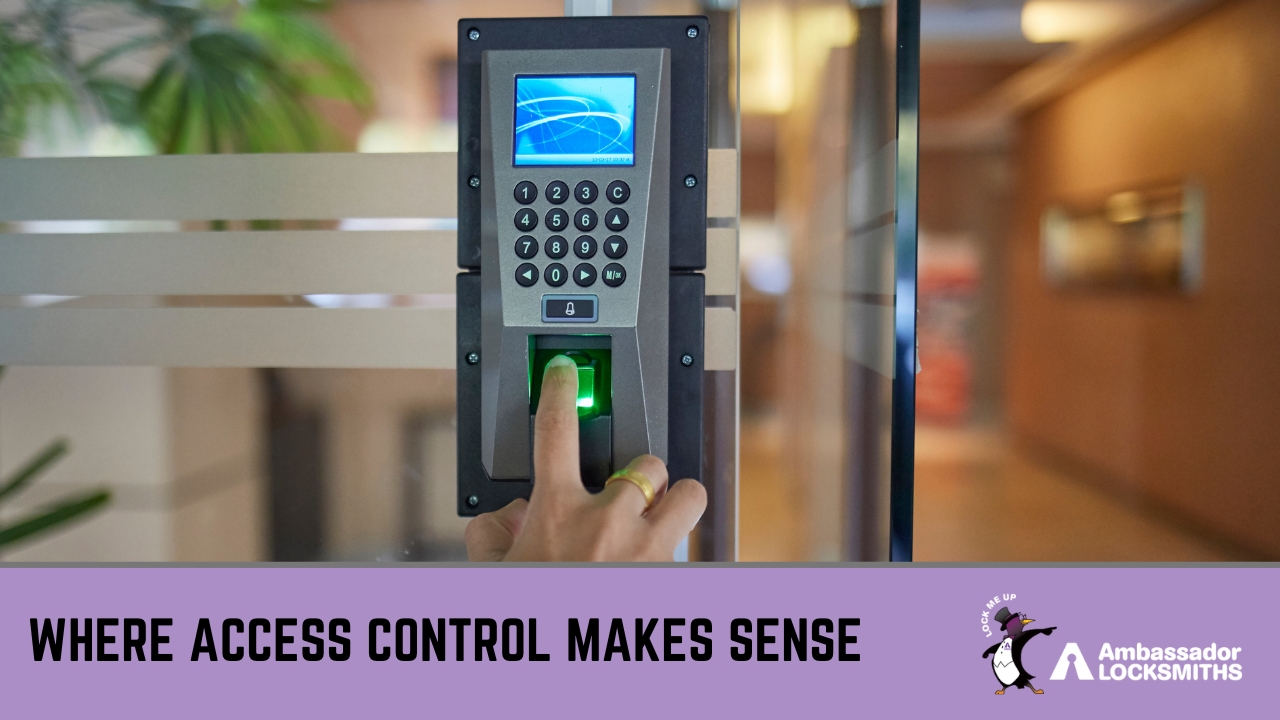
Where access control makes sense
Access control is not the right answer for every door. For a single low-risk storeroom, a quality mechanical lock is often sufficient.
Electronic access control earns its keep when you need to manage multiple people across multiple doors, need to cancel access instantly without rekeying, or need an audit trail for compliance or dispute resolution.
- Offices use it to give staff access to their own areas while restricting others.
- Strata and apartment buildings use it to manage shared entries and cancel access the moment a resident moves out.
- Warehouses and commercial sites use it to separate public zones from staff-only areas.
- Healthcare, legal, and financial premises use higher-security configurations, often including biometrics, to protect sensitive records and controlled substances.
Access control also pairs well with a master key system for sites that want both electronic and mechanical security, and it sits naturally alongside other commercial lock and security work.
Standards that apply in Australia
Electronic access control in Australia is covered by the AS/NZS IEC 60839.11 series of standards, which define system functions, performance requirements, and security grades. The security grade specified for a site should reflect the assessed risk level.
For a property owner, the practical takeaway is straightforward: a system designed and installed by a qualified locksmith to the appropriate grade for your risk profile will perform as expected. The Australian Security Industry Association maintains the current list of applicable standards.
Is fingerprint access control right for your site?
Use this checklist as a starting point when evaluating whether fingerprint access control suits a specific door or area on your property.
- The area holds assets or information that justify a higher security credential than a card or PIN alone.
- The user population for that door is relatively stable and can be enrolled in advance.
- Staff working in that area do not routinely have heavily soiled or damaged hands (which can affect read rates).
- Speed of entry at that door is not the primary priority (a busy main reception may suit card-only for throughput).
- You need an auditable record of who accessed the area and when.
- You want to prevent card or PIN sharing as a deliberate or accidental risk.
If most boxes are checked, a fingerprint reader, either standalone or as a second factor on top of a card, is worth discussing with an installer.
Frequently Asked Questions
How does fingerprint access control work?
When a user is first enrolled, they scan their finger several times and the system creates a mathematical template from the ridge patterns, not a stored image. Each time they return, a new scan is generated and compared against that template. If the similarity score meets the configured threshold, the controller releases the lock. The process typically takes under one second on a modern reader.
Is fingerprint access control secure?
It is significantly harder to defeat than a card or PIN credential because a fingerprint cannot be lent, left behind, or easily guessed. The main security variable is how the matching threshold is configured: a stricter threshold reduces false acceptances but may require occasional re-scans. For the highest-risk areas, fingerprint readers are often paired with a card as a second factor, so both must pass. No credential type is unconditionally secure, but biometrics raise the difficulty of unauthorised access considerably compared to single-factor card or PIN systems.
Can an access control system work alongside mechanical locks?
Yes. Many sites combine electronic access control on high-traffic or high-security doors with a master key system covering areas where electronic installation is not practical or necessary. A qualified locksmith can design a setup that integrates both.
Talk to Ambassador Locksmiths about access control
Ambassador Locksmiths has secured homes and businesses across Newcastle and Lake Macquarie since 2000. Whether you’re after a single fingerprint reader on one door or a networked system across a full site, we can assess your risk, recommend the right mix of credentials, and handle the installation ourselves.
There’s more detail on our Electronic Access Control Systems page, or if you’d rather just talk it through, call (02) 4942 2202.