

Many properties still rely on traditional locks, even though they can be lost, copied, or broken. This makes it hard to manage access and protect valuables, especially in busy environments like offices or shared homes. Using physical keys also limits flexibility and adds ongoing maintenance issues.
Relying on old systems can lead to unauthorised entry and wasted time when keys go missing. These problems become more serious when multiple people need entry, or when the property has restricted areas that need stronger control.
Switching to digital locks helps address these issues. They allow keyless access through PIN codes, cards, or fingerprints and are easy to update when users change. Installing them in suitable areas improves security, reduces the risk of lost keys, and streamlines access management.
Digital locks have become a practical option for both homes and commercial spaces looking to improve safety and convenience.
What Are Digital Locks?
Digital locks are electronic devices that control entry without physical keys. They use PIN pads, RFID cards, key fobs, or fingerprint scans. These systems simplify access while keeping properties secure. Many can log entry activity or link to alarms for added control.
They’re common in buildings with frequent movement, such as offices and apartments, where managing keys is inefficient. Access codes can be updated anytime, making them suitable for workplaces and rental properties.
A digital push lock uses a keypad push mechanism instead of a key. It suits homes and offices needing quick, secure access without key handling.
Most models fit standard doors and can run on batteries or be connected to power. With fewer moving parts, they need minimal upkeep compared to mechanical locks. For properties requiring controlled entry or multiple user access, digital locks provide a straightforward security option.

When to Use Digital Locks
Digital locks are useful when several people need access or when managing keys becomes difficult. They suit offices, shared homes, and short-term rentals where users change often. They’re also effective for rooms that require restricted entry, such as storage spaces or private offices.
Many property owners choose digital locks to improve security without replacing entire door systems. They can be added during renovations or system upgrades and fit well with most existing doors. Digital locks are also practical when creating separate access zones, such as dividing staff and visitor areas.
For homes, they work well on front doors, garages, and gates. In workplaces, they help control authorised entry and reduce risks linked to misplaced or copied keys. Before upgrading, reviewing tips for preventing key loss can help address current security gaps and prepare for a smoother transition to digital access.
Where They’re Commonly Installed
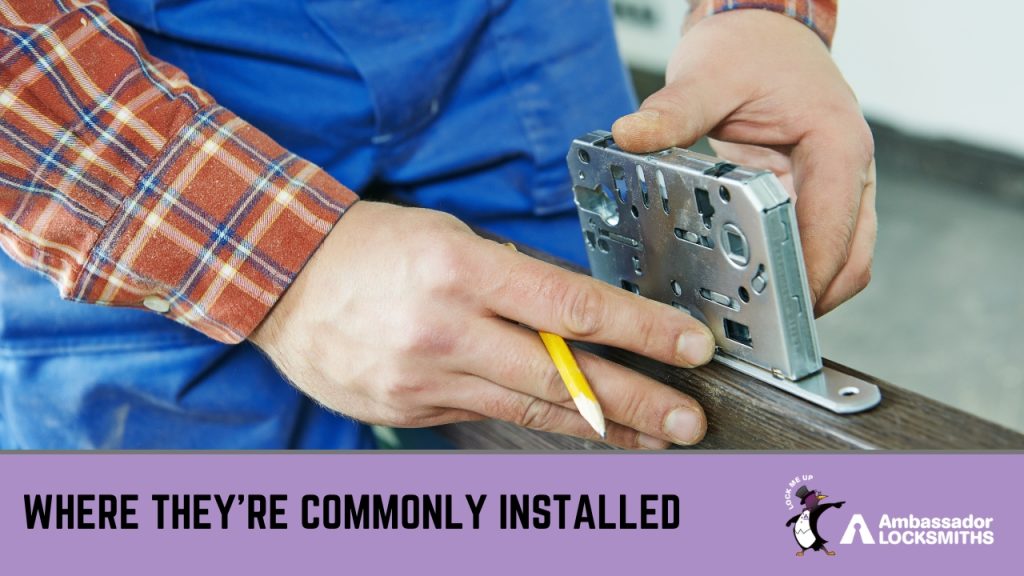
Digital locks are now used across many property types, from homes to commercial buildings. In houses, they’re fitted on main doors, garages, and internal rooms that need restricted access. They’re also useful for rental properties where guest access changes often, allowing entry codes to be updated without new keys.
In workplaces, digital locks are installed on staff areas, storage rooms, and entry doors to manage who can enter. Schools, hospitals, and aged care centres use them to secure places like medicine cabinets, records rooms, and administration areas. They’re also common in apartment complexes to control access to lifts, mailrooms, and parking areas.
Their quick code changes make them practical for properties with shifting users or evolving security needs. Digital locks combine flexibility and control, helping property owners manage access without relying on traditional keys.
Key Considerations Before Installing
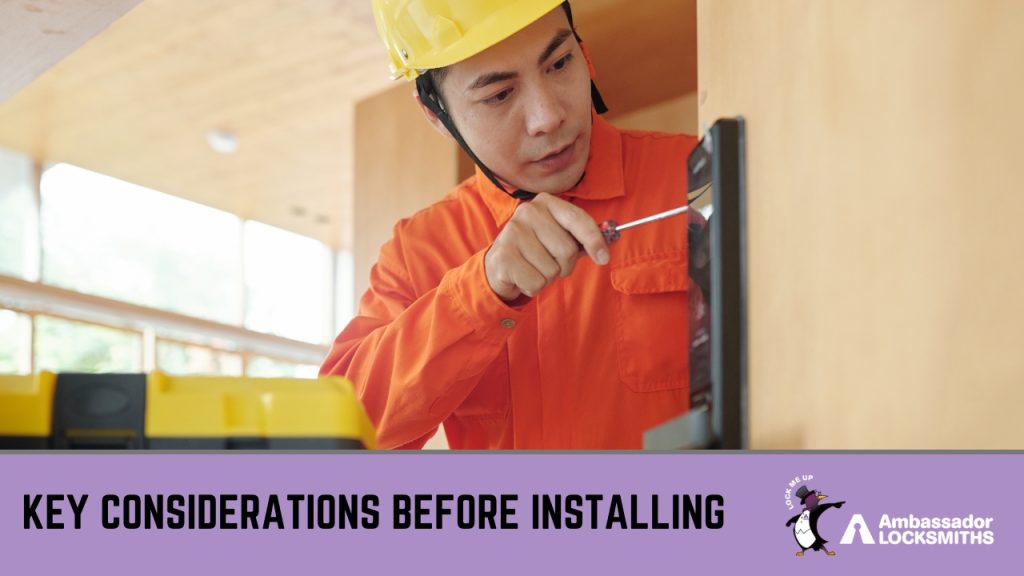
Before buying a digital lock, check if the door and frame can support it. Some locks fit most modern doors, but older structures might need small adjustments to align properly. Even a slight hinge issue can affect how the lock works. It’s best to assess the door material, frame condition, and space for wiring or battery access before installation.
Cost is another factor. Digital locks are available in a wide price range, and the right option depends on how you plan to use it. Basic keypad models are often enough for homes, while offices might benefit from units with multiple entry options or remote management.
Lastly, review the lock’s main features. Decide whether you need PIN access, fingerprint scanning, or a system that can integrate with alarms. Some models also offer emergency keys or mobile app control. Choosing a lock that suits both your property and usage pattern helps avoid future problems.
Professional Help and Maintenance
Installing a digital lock needs careful fitting to ensure it works correctly and lasts longer. Professional installation confirms the door and frame are suitable, the lock is aligned, and all parts are secure. A qualified technician can also set up user codes and test the locking system to confirm smooth operation.
Maintaining the lock helps preserve its function and safety. Dust, battery wear, and moisture can affect performance. Servicing allows the technician to clean parts, change batteries, and adjust alignment before any faults appear. This prevents issues that could cause access problems or weaken protection.
Professional assessment keeps digital locks reliable and secure, supporting consistent use and dependable entry control across all doors.
Frequently Asked Questions
Are digital locks secure?
Yes. Most digital locks use encrypted technology that prevents unauthorised entry. They can also record access activity, helping property owners track who enters and when.
Can digital locks be used outdoors?
Many models are built to handle outdoor use, with weather-resistant materials and sealed keypads. It’s important to check the product specifications before installation to match the right lock to the location.
What happens during a power or battery failure?
Battery-powered locks often include a low-battery warning and backup power options. Some can also be opened with a mechanical key override or an emergency power connection.
Do digital locks meet Australian standards?
Reputable brands follow Australian Standard AS4145.2 for lock security and performance. Choosing certified products ensures they meet recognised safety requirements.
Can I install a digital lock myself?
While some units are designed for self-installation, professional fitting ensures proper alignment and long-term reliability. Incorrect installation can affect performance or void warranties.
Secure Your Property with Expert Installation
Upgrading to digital locks is a smart step toward better security and convenience. Proper installation and setup make a big difference in how well these systems perform. Ambassador Locksmiths provides professional fitting, maintenance, and advice for digital locks suited to homes, apartments, and business premises.
With over two decades of experience, the team services Newcastle, Lake Macquarie, and nearby regions. Whether replacing a traditional lock or adding access control, Ambassador Locksmiths ensures every entry point is installed for lasting reliability.
For digital lock installation or security advice, call 0407 452 424 or send an enquiry through the contact form on the website.