
Renting out a property through Airbnb can be a good source of income, but it also comes with risks. Strangers will occupy your home for short stays, and while most guests are respectful, incidents involving theft or damage do occur. Property owners must take practical steps to reduce these risks and maintain security between bookings.
The concern often lies in how to protect your home without creating discomfort for guests. Balancing trust and precaution is essential. From screening renters to using modern lock systems, every measure contributes to a safer environment. The following security tips help Airbnb hosts manage their property responsibly and ensure peace of mind for both guests and owners.
1. Screen Guests Before Accepting Bookings
Knowing who stays in your property helps prevent future problems. Before confirming a booking, review the guest’s Airbnb profile, ratings, and previous host feedback. Genuine guests usually have verified IDs and positive reviews from other hosts. If any information seems incomplete, it’s reasonable to ask for clarification through the Airbnb platform.
Some states also allow background checks through Airbnb’s verification tools. While not mandatory, this gives added assurance when accepting first-time renters. Always communicate through Airbnb messages to keep records of discussions. Setting clear house rules in your listing also helps manage expectations and encourages responsible behaviour. These simple steps create transparency and protect your home while maintaining a professional relationship with your guests.
2. Request a Security Deposit
A refundable security deposit gives guests an incentive to handle your property carefully. Airbnb allows hosts to set a deposit amount that covers potential damage or lost items during a stay. If something is broken, the cost can be deducted fairly.
This system encourages accountability without making guests feel distrusted. Choose a deposit value that matches the property type and furnishings. Make sure the amount and refund terms are clearly stated in the booking description. This transparency prevents disputes and maintains trust. Deposits also discourage careless behaviour, helping hosts reduce repair costs and maintain a professional reputation within the Airbnb community.
3. Manage Property Access Responsibly
Hosts must balance safety and privacy. You should have access to your property in emergencies, but guests also deserve to feel secure during their stay. Keep a spare key for urgent situations but avoid entering the premises while occupied unless there is a safety concern. Always inform guests beforehand if access is required for maintenance or inspections.
It’s also wise to store spare keys in a locked, coded key box instead of hiding them outdoors. This limits unauthorised access while ensuring quick entry when needed. Maintaining a clear boundary between host and guest space builds trust and keeps operations smooth without compromising security.
4. Keep Your Own Keys Secure
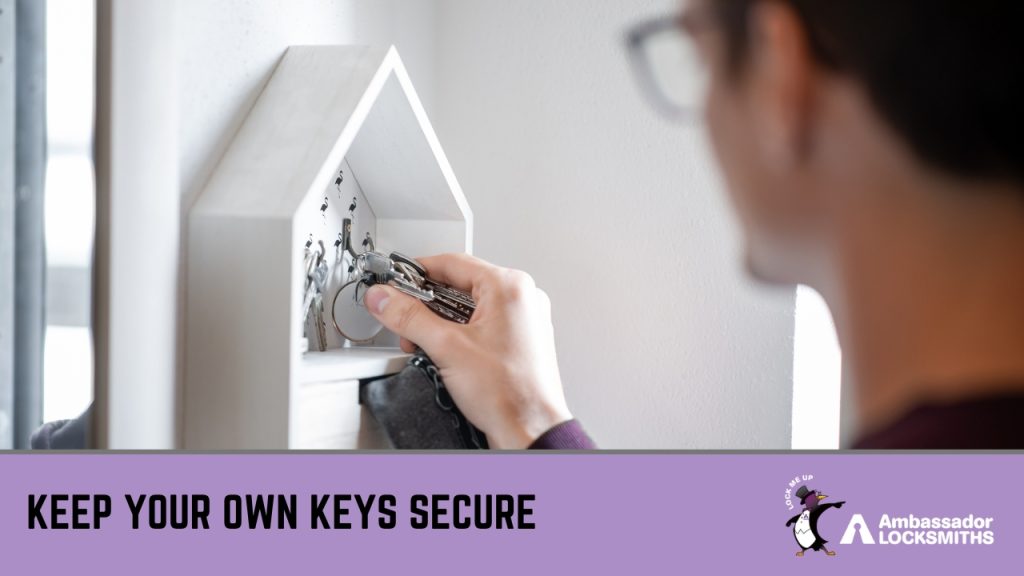
Hosts should always have full control of their property keys. Keep a personal set for emergencies and store them in a safe, private location—not under doormats or outdoor containers where they could be found easily. If a property manager or cleaner assists you, record who holds each copy.
Avoid sharing keys with guests beyond what is necessary. When using traditional locks, consider rekeying periodically, especially after long-term guests or staff changes. Hosts who prefer physical keys can also add coded lockboxes for safe key storage. Keeping track of all copies ensures that no unauthorised person retains access once a booking ends.
5. Remove or Secure Valuables
Before guests arrive, remove personal items or valuables that are not needed for the stay. Items such as jewellery, cash, personal documents, or electronics should be stored elsewhere or locked in a safe. Even with honest guests, misplaced valuables can lead to misunderstandings or disputes.
Hosts who use their property frequently between bookings can create a secure storage area on-site, accessible only to themselves. Lockable cabinets or small safes are cost-effective options. Keeping valuables protected not only prevents loss but also simplifies cleaning and preparation between stays, ensuring smooth turnover for each guest.
6. Install Door and Window Alarms
Alarm kits are simple, affordable ways to protect your property between stays. Peel-and-stick door and window alarms can alert nearby neighbours or property managers if someone forces entry. They also act as a deterrent for unauthorised access. Choose systems that are easy to install and maintain, and position them on main entry points such as front doors, sliding glass doors, and ground-floor windows.
If your property is part of a shared building or apartment, check strata or complex rules before installation. Always inform guests that alarms are present to maintain transparency and prevent unnecessary concerns. Regularly test batteries and replace faulty sensors to keep the system reliable. These small upgrades strengthen your security without being intrusive to guests.
7. Use Keyless or Smart Lock Systems
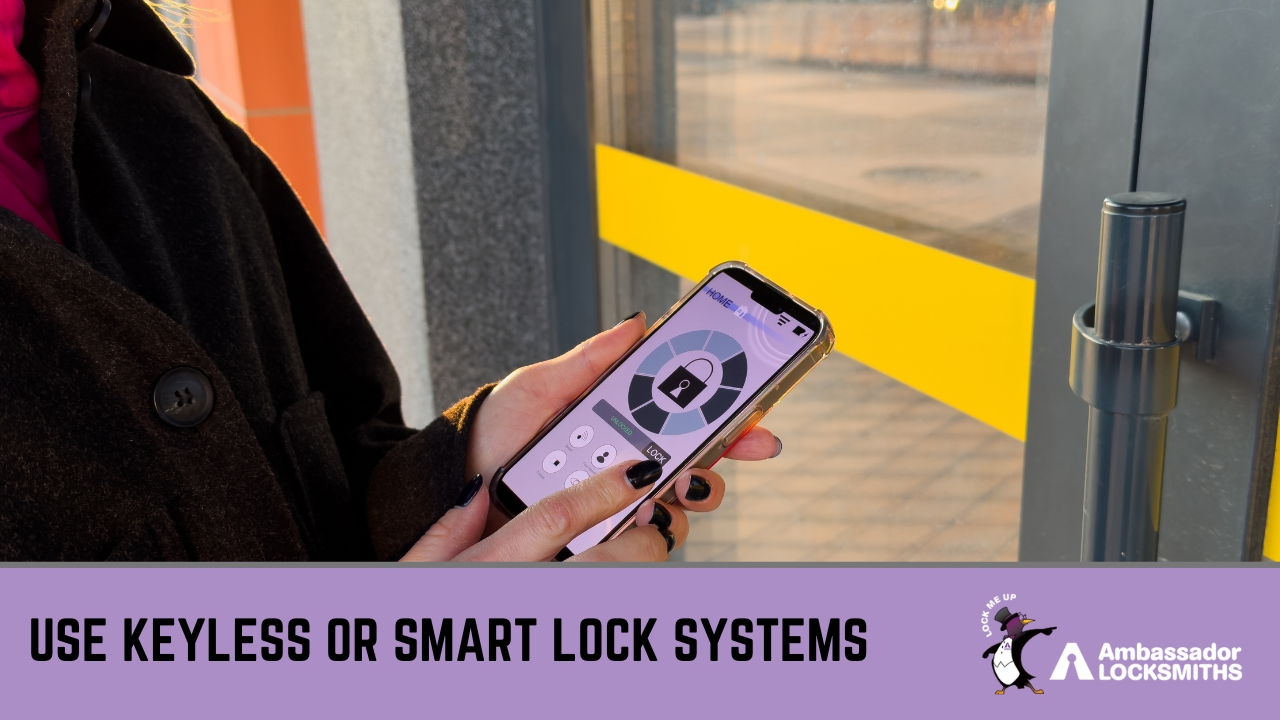
Keyless entry systems simplify guest check-ins and strengthen control over property access. By assigning a unique code for each booking, you can change passcodes remotely after every stay, removing the risk of key duplication. This setup also eliminates the need for physical key handovers, making self-check-ins more convenient for both parties.
Smart locks often include mobile notifications that alert you when doors are locked or unlocked. This helps track access without breaching privacy. Choose locks that comply with Australian security standards and ensure they are properly maintained. For more information on secure digital options, review our electronic access control solutions to find systems suitable for short-term rentals.
For a closer look at locksmith strategies designed for Airbnb hosts, see our post on securing your Airbnb property for practical advice on maintaining safe and efficient guest access.
Professional Locksmith Support for Airbnb Hosts
Reliable locks are vital for every short-term rental. At Ambassador Locksmiths, we help Airbnb hosts across Newcastle and Lake Macquarie secure their properties with quality lock systems and professional advice. Our team installs, repairs, and upgrades both standard and smart locking solutions suitable for high-turnover rentals.
We also provide 24-hour emergency lockout assistance, key cutting, and maintenance to keep your property safe between guest stays. Each service is handled by licensed locksmiths who understand the needs of Airbnb hosts. Whether you’re fitting new digital locks or improving existing hardware, our goal is to make every home secure and easy to manage.
Need help improving your property’s security? Contact us today to schedule locksmith services or request a quote.
Frequently Asked Questions
Can security cameras be installed inside an Airbnb?
No. Indoor cameras are not allowed under Airbnb’s policy. Only external cameras or doorbell devices aimed at entry points are permitted, and hosts must clearly disclose their presence in the listing.
How often should smart lock codes be changed?
Codes should be updated after every guest checkout. This keeps each booking secure and ensures former guests no longer have access to the property.
Is it necessary to have a spare key if using a smart lock?
Yes. A physical backup key should always be available in case of system failure or battery issues. It can be stored securely in a lockbox accessible only to the host.
What insurance options protect Airbnb hosts from theft or damage?
Airbnb provides Host Guarantee and Host Protection Insurance, which can cover property damage and liability claims. Hosts should also review local insurance options for additional protection.
Should hosts inform guests about installed security devices?
Yes. Hosts must clearly disclose alarms, locks, or external cameras to maintain trust and comply with Airbnb’s transparency rules. Guests should always know which devices are active during their stay.